

Consortium members only. Heron’s fraud network is available to members of the Heron Fraud Consortium, who report their early defaults to help fight fraudsters. It is not enabled by default - contact your Heron rep to enquire about joining the Consortium.
fraud_network_scan enricher. See the Fraud Detection overview for how it fits with broker velocity.
How the fraud network works
The fraud network is a graph of businesses and people. Businesses enter it in two ways: a consortium member reports an early default, or Heron finds money moving between businesses in a pattern typical of fraud rings. Businesses and people are linked by shared ownership and by money moving between businesses. A submission is matched on the business and owner details Heron holds for it. A match is one of two kinds:- Lone actor - one owner behind one or more businesses, with no links to businesses under different ownership.
- Fraud ring - linked businesses under different owners.
Integrating
The scan runs inside your Heron workflow on every submission you send, so there is nothing extra to call.Prerequisites
- Submissions flowing into Heron, by email or over the API. See the Quickstart to send them over the API.
- The fraud network enabled for your account, with the scan added to your workflow. Contact your Heron rep. Until it is enabled, the fraud network endpoint returns
403.
1. Send the submission
Send the submission with its ISO application as usual. Heron reads the business and owner details from the application and the other documents you send, then runs the scan when your workflow reaches it.2. Act on it in your policy
A match can route the deal to review or decline it. Policies read the Fraud network finding variable (fraud_network_finding), which is Fraud ring, Lone bad actor or No match, and missing when the scan did not run or had no details to scan with. Ask your Heron rep to add the check and choose whether a match declines or goes to review.
3. Read the result
Theenricher.succeeded webhook fires when the scan finishes, with enricher_name fraud_network_scan. Then fetch the result:
app.py
404 until a scan has run for the submission, and 403 if the fraud network is not enabled for your account.
What a flag looks like
The Heron dashboard shows the result on each submission. These are the outcomes you can see.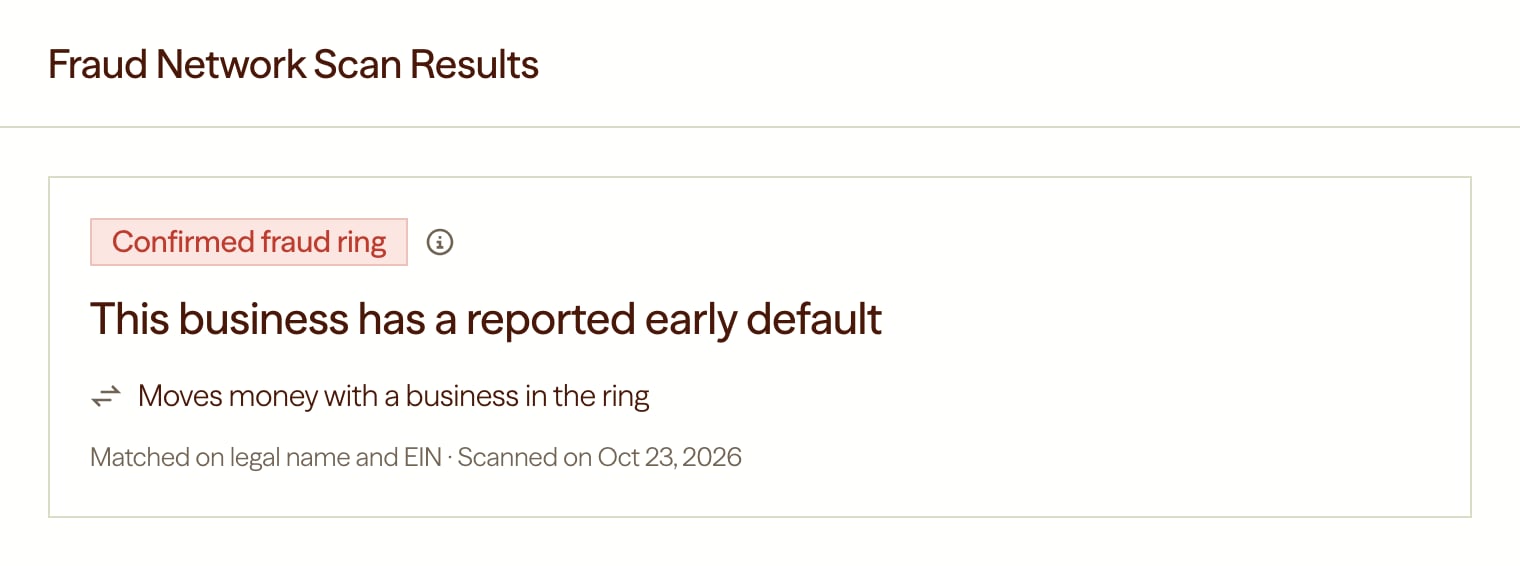
Confirmed ring: this business has a reported early default
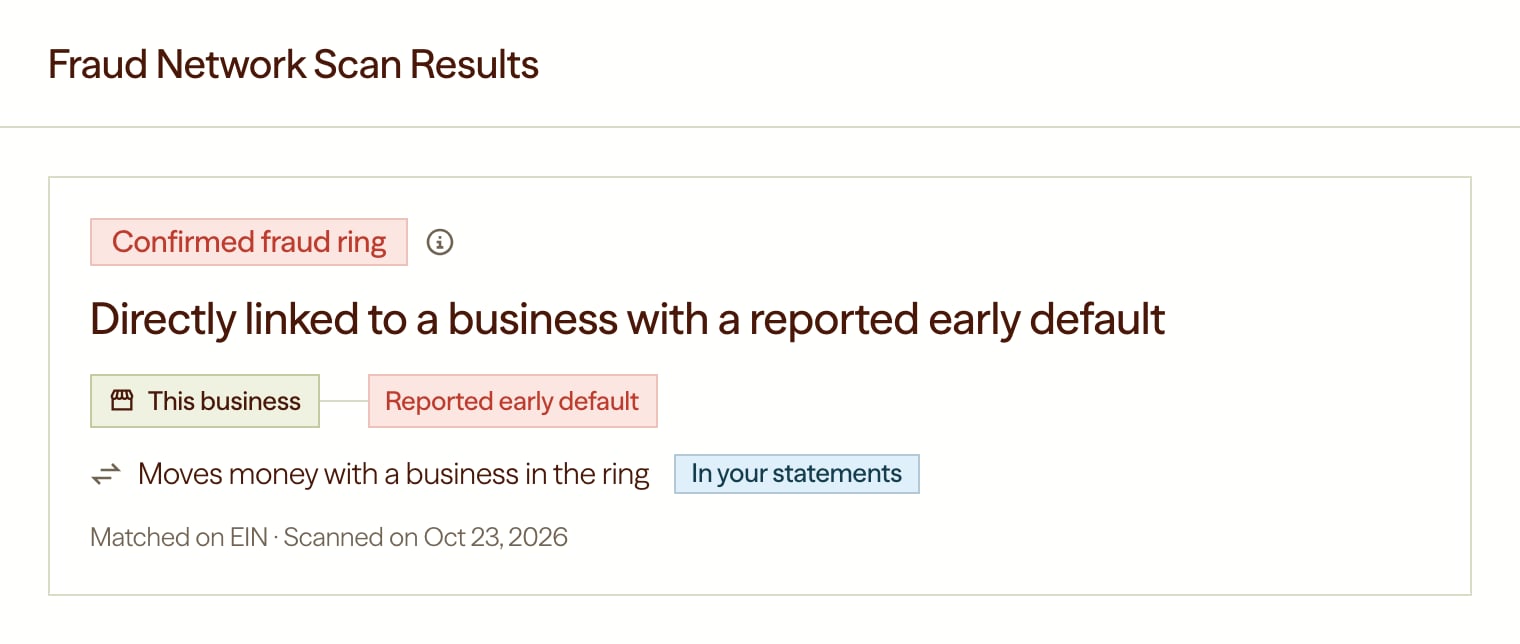
Confirmed ring: directly linked to a reported early default
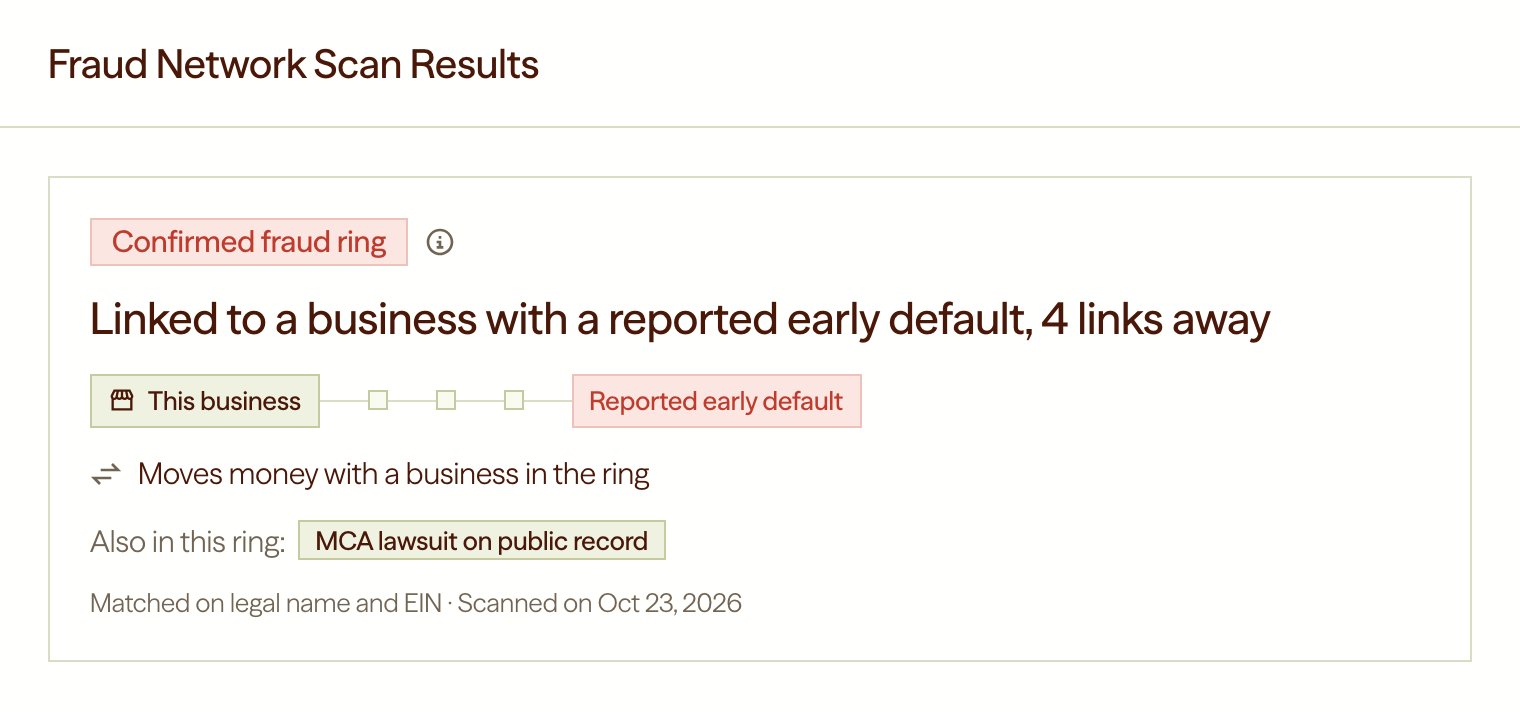
Confirmed ring: linked to a reported early default several links away
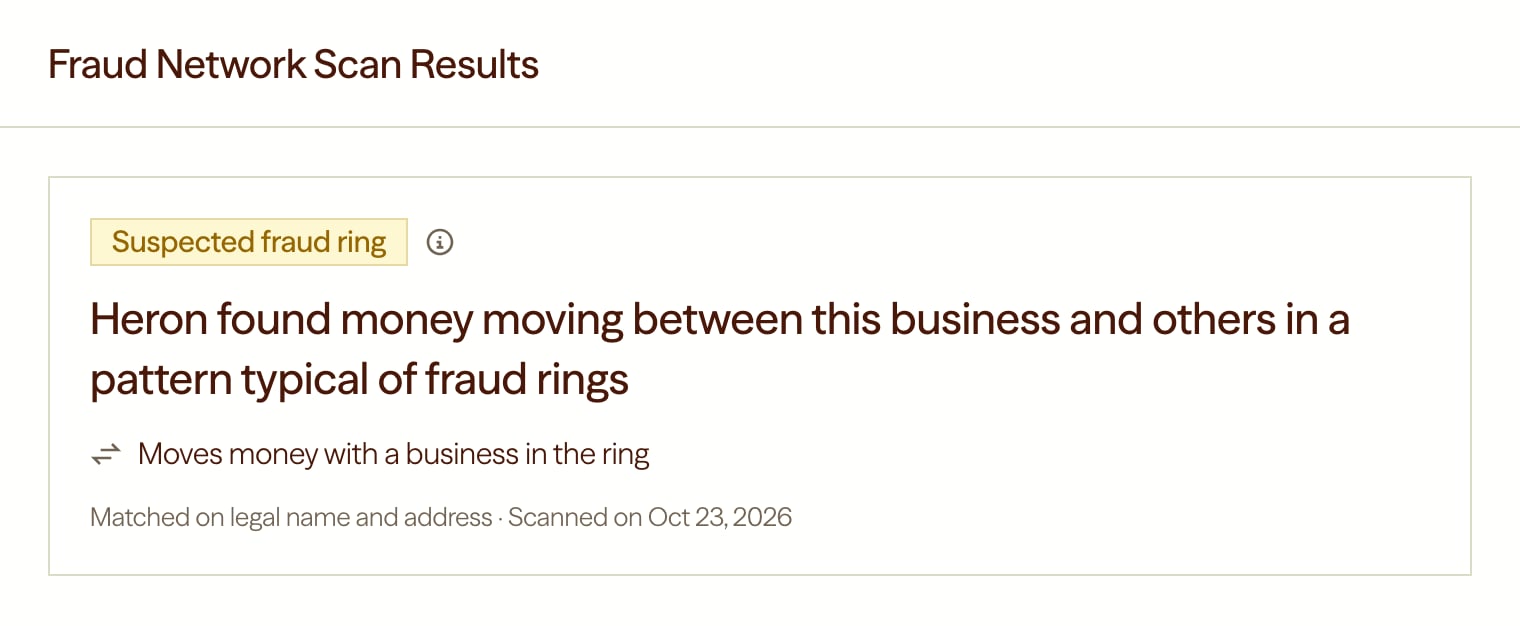
Suspected ring: money movement pattern, no default yet
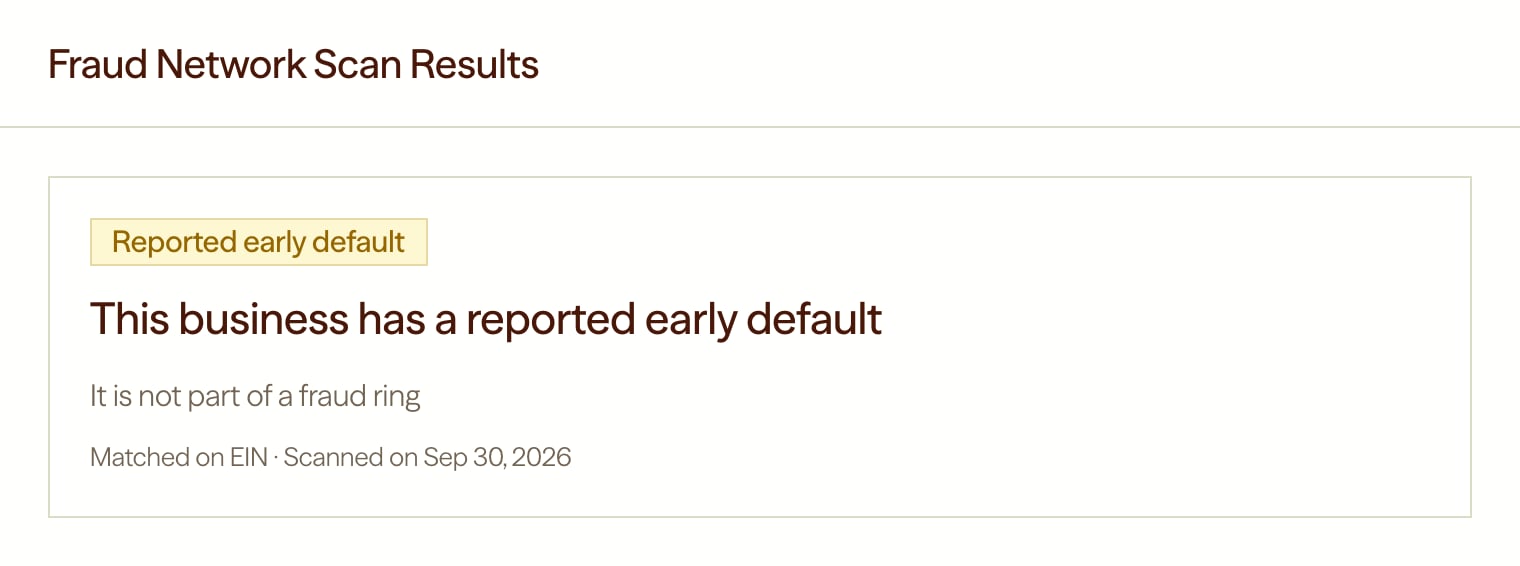
Lone actor: a reported early default, not part of a ring
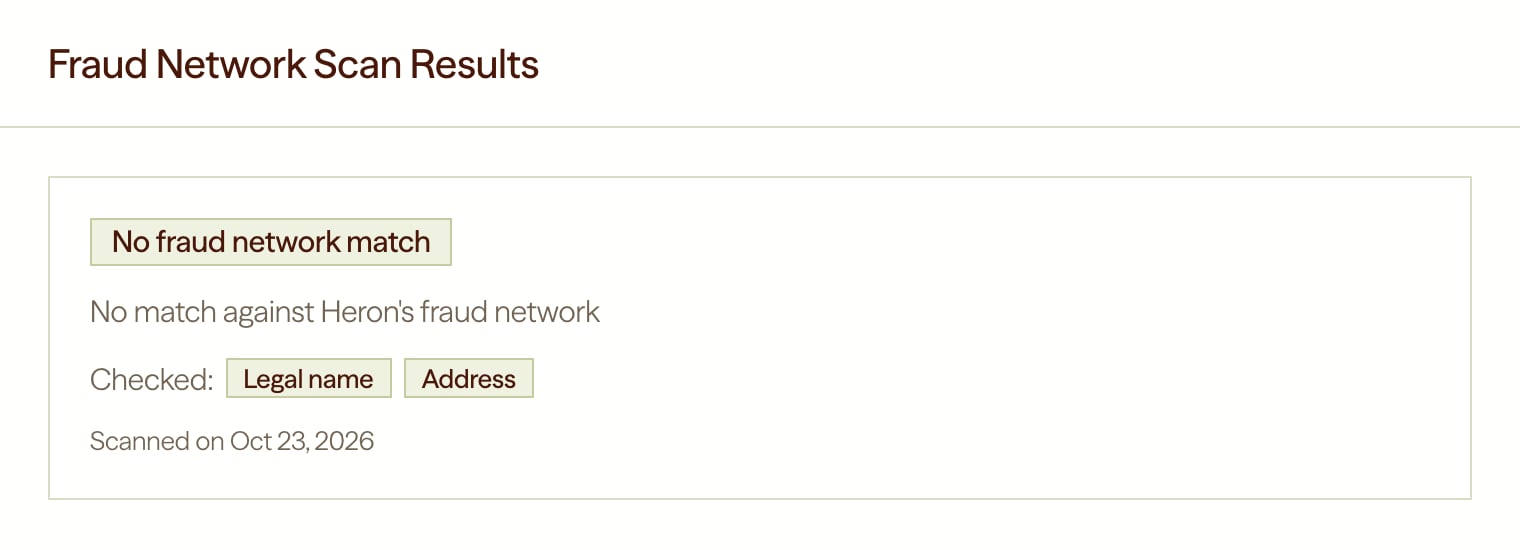
No match
Understanding the fraud network result
network, match_meta and matched_node_heron_id are always null, and businesses, people and edges are always empty.
Features
Each feature is one conclusion about the applicant’s business.subject is the end user’s Heron ID.
confidence is confirmed_fraud or suspected on a match and null otherwise. evidence explains the conclusion:
A fraud ring match
This is the result for the sample ring identity in Testing your integration. A real match also fillsconnects_to, distance and links_away.
A lone actor match
This is the result for the sample lone actor identity. Only the fields that differ from a ring match are shown.No match
Testing your integration
You can test every outcome without real data. Two reserved identities return a sample match, and any other made-up identity runs live matching and returnsno_match. Sample matches create no records in the fraud network.
1
Create the end user
end_user_id you have not used before. Copy end_user.heron_id from the response.2
Set the business and owner names
Upload an ISO application with these names, or send them over the API:Send only the names.
3
Start the workflow and read the result
Start the workflow (
POST /api/end_users/{heron_id}/start_workflow), then read the result.403, the fraud network is not enabled for your account yet. Contact your Heron rep.
What you never see
The Consortium exists to fight fraud while preserving privacy. Every response is limited to Heron’s conclusions about your own applicant’s business:- No other businesses or people. Names, identifiers, addresses and owners of anyone else in the network are never returned. A
corporate_affiliationfeature lists linked businesses by Heron ID only. - No other members. Consortium members are never named or counted, and nothing a member wrote when reporting a default is returned.
- No ring details. Ring size and amounts are not returned.
- Owner matches stay private.
matched_onlists only business fields, even when an owner matched.